End-to-end logistics visibility from warehouse to last-mile delivery. I designed and prototyped a platform for inventory, routing, transfers, scheduling, and QR-based package tracking.
UI/UX Designer
Role
Prowess Enterprise
Company
Web app, Mobile app
Platforms
B2B, SaaS, Internal tool
Type
Dec 2025- March 2026
Timeline


The Problem
Multiple Operations. One platform. No compromises.
Every logistics company manages different kinds of Operations a Storage, inventory, Distribution, orders, Picking, Packing and delivery. Most platforms treat these as separate products. The Stakeholders needed them unified. The platform goes beyond warehouses. It manages hub routing, transport scheduling, delivery partner apps, and QR-based tracking all tied to one order lifecycle from intake to delivery.
Multiple user types with completely different operational logic
Order visibility broke at every handover point
Warehouse pickers, hub sorters, and delivery riders couldn't use tools built for logistics managers. Every screen had to work for someone who had never seen the system before.
Truck allocation, container assignment, and trip scheduling existed as separate manual processes. There was no system that connected a packed order to the truck that would carry it.
Research & Discovery
Completely different users.
One system to serve all of them.
Before wireframing, I mapped every role, their daily environment, and what they needed to see in under five seconds. The single most important design decision was separating muscle memory from content: same layout skeleton, different priorities, different defaults so operators switching between facility types never had to relearn the interface.
Scan inbound containers, sort by PIN, forward to next hub or delivery
Hub Operator
Pain : No live sorting board operators walked between racks with paper manifests and lost packages at every shift change.
Design Constraints
Design Process
Six stages. Multiple Operations, one sequence.
The process ran in parallel across all modules. Every stage produced outputs for all seven before moving forward ensuring system decisions made in research didn't contradict UI decisions made in production.
1 – Research & Planning
Maped every operation order lifecycle, hub routing logic, transport model, and role-based access before touching Figma. The system spec came first.
2 – Wireframing
Sketched procurement flows, hub sorting, and delivery routes. Agreed on structure and sequence with stakeholders before any visual work.
3 – Interface Design
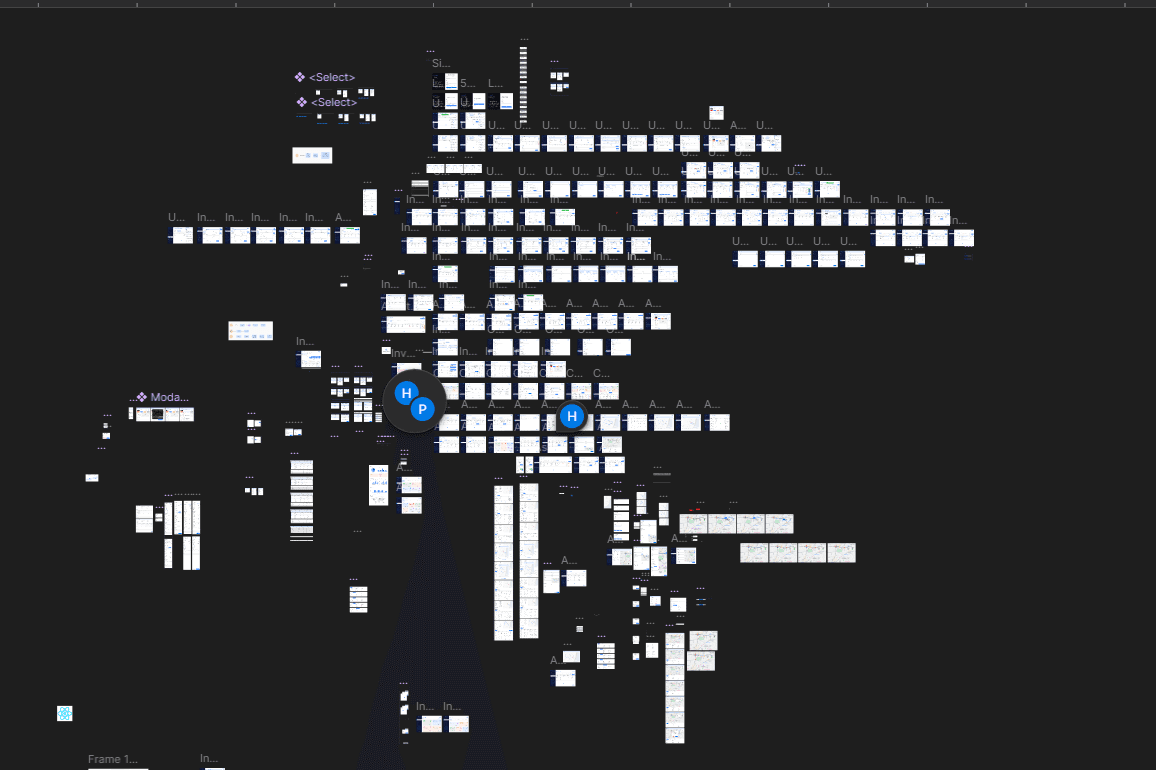
Built all 7 modules Inventory, Warehouse, Hub, Transport, Delivery App, Settings, and Tracking screen by screen, role by role.
4 – Design System
Designed the one layout that adapts across all three warehouse modes. Same sidebar, same cards different priorities, different defaults, different data.
5 – Prototyping
Interactive prototypes for all flows hub inbound scan, container dispatch, trip scheduling, delivery execution, and the full order lifecycle end-to-end.
6 – Development & Handoff
Figma files with spacing, component, states, interaction and Prototype. So that Engineers can built with zero ambiguity.
Solution
Some design decisions that made five platforms feel like one product.
Each solution addresses a specific constraint from research. The goal across all of them was the same: one system that operators could use without thinking about the system.
A multiple Staged order lifecycle that every module shares.
1 Order Multiple Stages
Distinct statuses from Created through Delivered each owned by a specific module and role, no overlaps
Real time statuses
Status is shared across all modules in real time warehouse, hub, transport, and delivery all see the same order state.
Exceptions
Exception statuses (Waiting, Missed, Wrong Hub) surface immediately in dashboards without requiring manual investigation.
Order Tracking
Public QR tracking maps internal statuses to simple customer-facing language same data, two presentations
PIN-based dynamic routing across the entire network.
Routing rule
Route is mapped based on customer pin code. System map shortest and connected route for delivery.
Order acceptance
The order is taken only if organisation set that pincode as area that they serve.
Sorting
Sorting auto-suggests the correct container and hub for each package operators confirm, not decide.
Multi- route
Multi-hop routing supported package can travel Warehouse → Hub A → Hub B → Customer with status tracked at every stage.

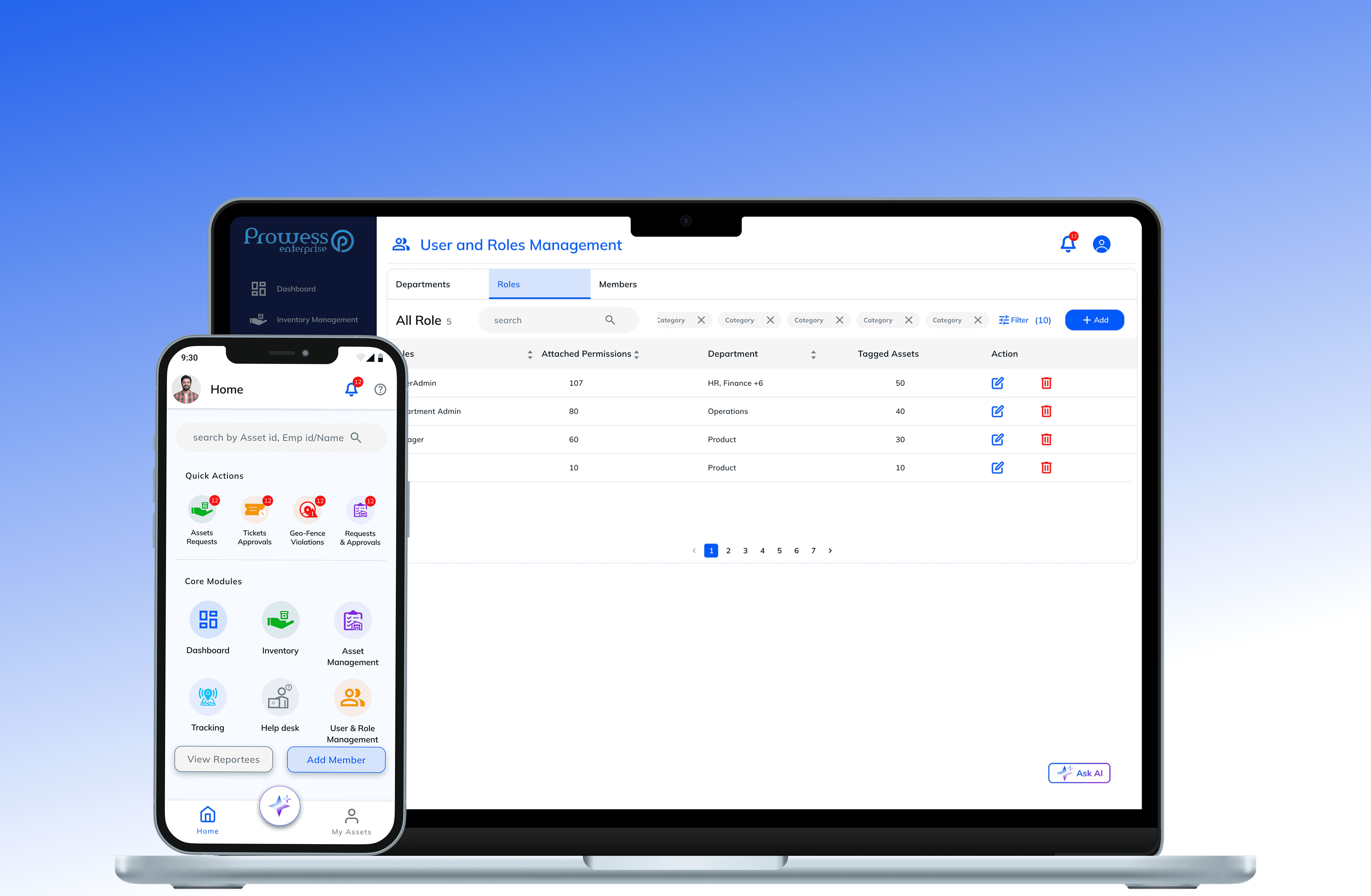
Different user - different interface that changes data, not structure
Personlised data
Each user needs completely different information mean show what they need or what they have access to.
Zone capacity
Storage operator can see which Building, floor, room, rack, bin is empty, filled & going filled, All in one system.
Consistant structure
Operators switching between facilities carry their muscle memory - no relearning, only different content.
Information access
The information is distributed based on role, department and permission an user have.
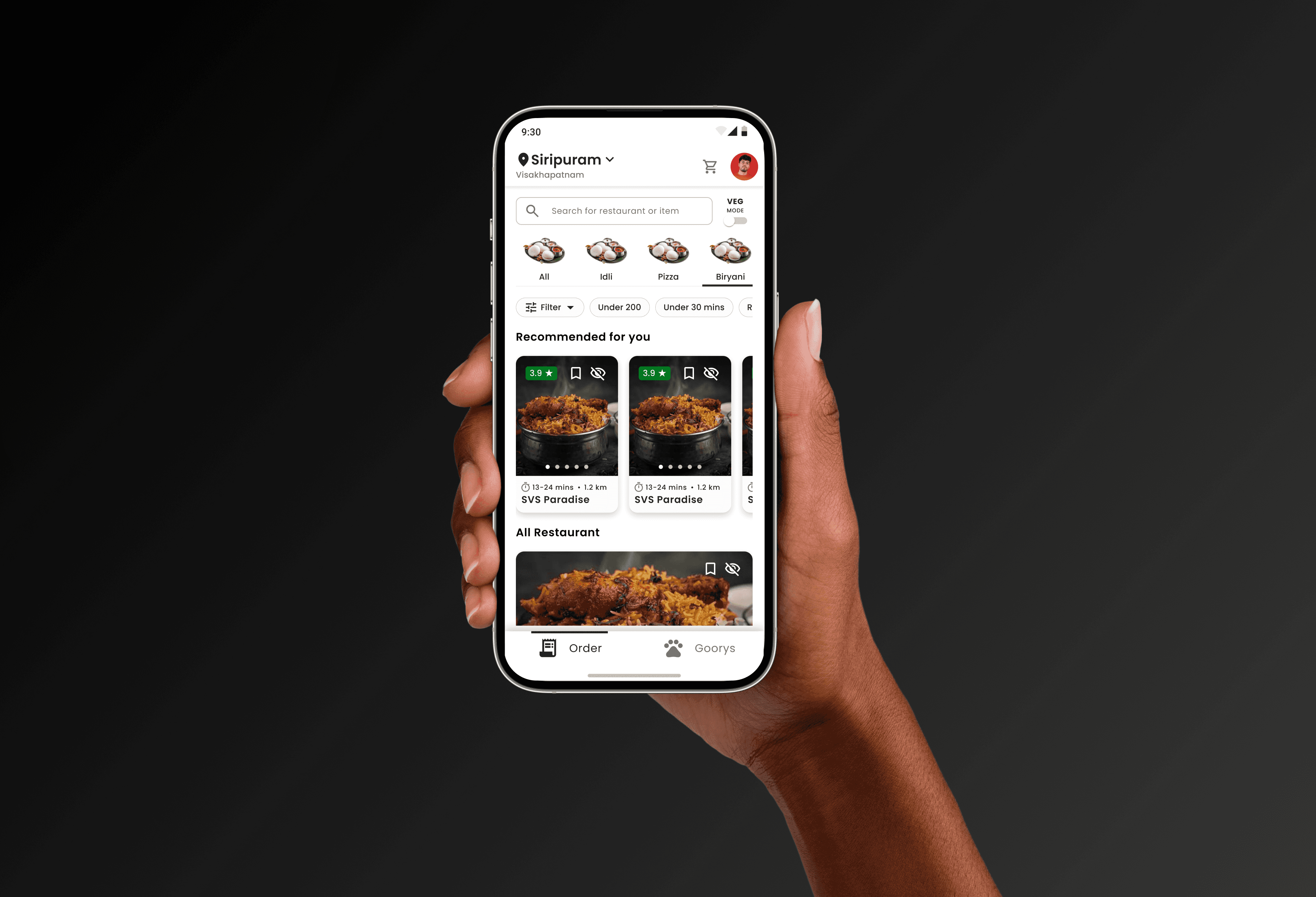
A delivery app where the driver never has to think
Mobile app
The delivery partner app specifficaly designed so they can easily do what they have to.
Order Pickup
Delivery partner pick there assigned orders by scanning the packages. It show error message if picked wrong package.
Smart Route map
The packages delivery points are marked on the map so partner priortise there route of delivery.
One CTA at each stage
Start , Navigate, Scan, Mark Delivered, no ambiguity about what to do next.
And many more…………
Results & Impact
One system that holds together.
Every number here reflects actual project delivery what was designed, what was specified for engineering, and what the design enabled across all seven modules.
1 item lifecycle end-to-end Add→ Move→ Recieve → Place → Order Recieved → Pick → Pack → Trip schedule → Container assign → Inbound → Place → Assign delivery → Pickup → Deliverd. Every stage designed across all platforms with real-time status shared between users.
300+ Interfaces designed Across platforms.
Inventory, Orders, Hubs, Outbound, Inbound, Fleet, Delivery Partner App, User Management, and Public QR Tracking connected by one order lifecycle and one design language.
Each with its own operational logic, dashboard priorities, and UX patterns, all inside one adaptive interface.