A food delivery startup needed one product that served five completely different user types at the same time customers, restaurants, delivery partners, feeders, and admins each with their own flow, logic, apps and interface.
UI/UX Designer
Role
Prowess Enterprise
Company
Web app, Mobile app
Platforms
B2B & B2C
Type
June – Oct 2025
Timeline
The Problem
1 product,five users
Complete food delivery platform handling multiple user types (customers, restaurants, delivery partners, feeders, admins).
Solution
Goory
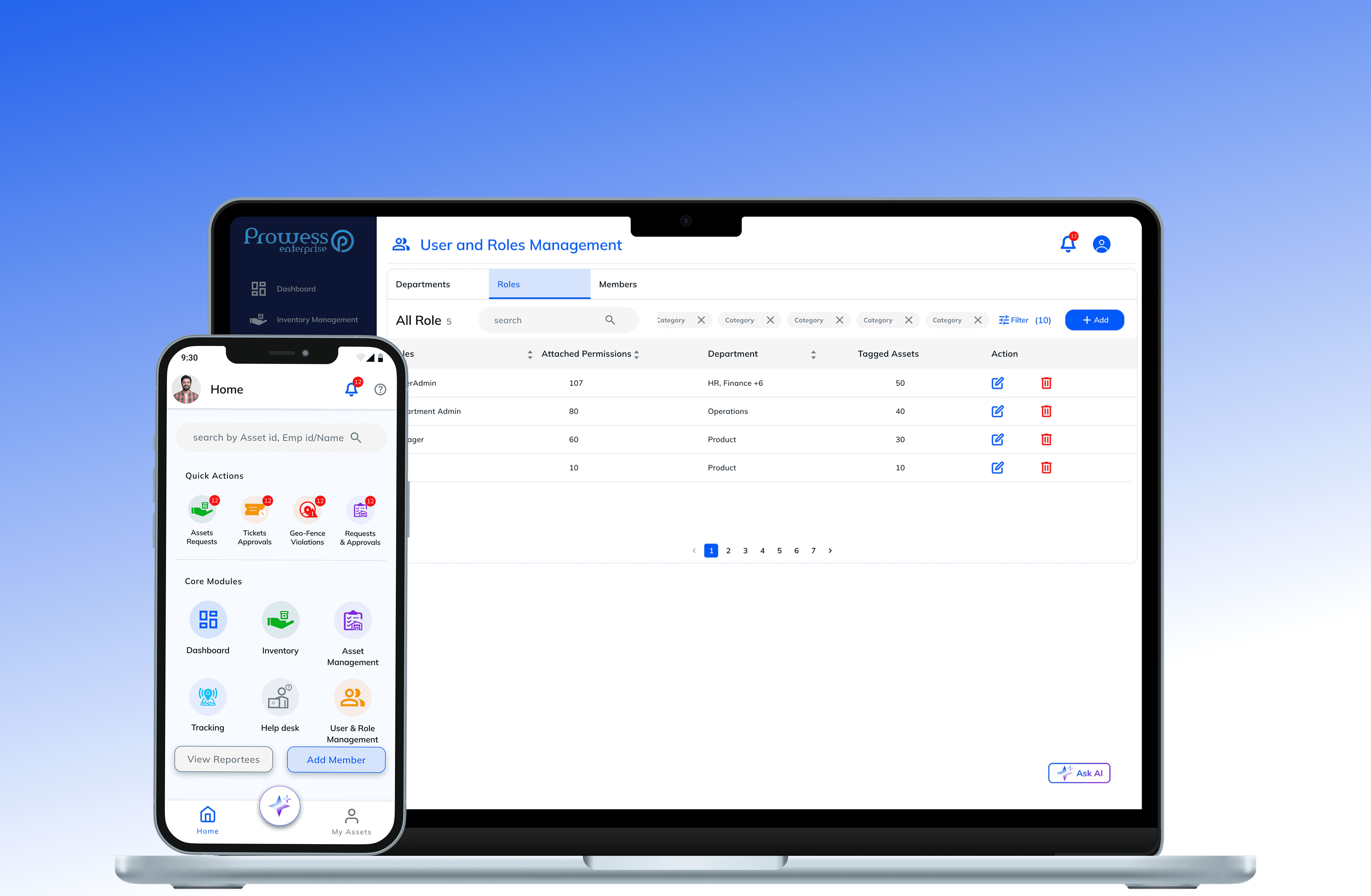
Support complex multi-party Process and flows (customer, restaurant, delivery partner, admin)
Responsibilities
Tasks
Understand existing processes and pain points. Design flows and interactive prototypes.
My Role
UI/UX Designer
Full Product design, research, wireframes, design system,prototyping, and developer handoff.
The Problem
Five users. One order. Every interaction has to work.
A customer places an order. The restaurant confirms and prepares it. The feeder ensures quality. The delivery partner picks it up and navigates the route. The admin monitors everything in real time. One order, five experiences. Each had to work flawlessly for the people using it, which meant designing five products inside one system.
There was nothing designed for all five roles as one connected system with shared order data.
Order lifecycle had no single source of truth
Kitchen staff, delivery riders on the road, and field feeders had to use the system under pressure, often on mobile, often in the middle of other tasks.
They needed a system where a single order touched five different user types, each with a completely different interface, workflow, and decision logic.
Research & Discovery
Designing for five users means thinking like five different people.
Before wireframing a single screen, I mapped every user type, their daily workflows, what they cared about, and where things would break down under real conditions. The most important insight: what a customer needs during checkout is nothing like what a delivery partner needs mid-route. Each role needed its own design logic, while the system had to stay consistent underneath.
Accept assignments, navigate routes, confirm pickup and delivery
Delivery Partner
Pain : Riders are on the road the interface must work with one hand, at a glance, in any condition.
Verify order quality, approve meal dispatch, log completion with proof.
Feeder
Pain : No digital workflow existed feeders were approving quality verbally with no audit trail
Browse, order, pay, and track delivery in real time
Customer
Pain : Too many steps between "I want food" and "order placed" slow checkout kills conversion
Accept orders, manage prep queue, update menu, coordinate pickup
Restaurant
Pain : Kitchen staff can't read complex dashboards mid-service they need one clear action per screen
Monitor all orders, manage users, resolve issues, track platform health.
Admin
Pain : No live dashboard showing cross-platform order status, delivery performance, or issue resolution.
Design Constraints
Design Process
Six stages. All five platforms, one sequence.
The process ran in parallel across all five user types. Each stage produced outputs for all five platforms before moving to the next, ensuring decisions made in research informed every interface, not just the customer app.
1 – Research & Planning
Defined 5 distinct personas and mapped their full workflows within the order lifecycle from order placement to delivery completion.
2 – Wireframing
Sketched core flows for all 5 platforms ordering, restaurant operations, delivery assignment, feeder approval, and admin monitoring before any visual work.
3 – Interface Design
Built high-fidelity UI for each user type. Every screen had to answer one question: "What do I do next?" especially for non-technical kitchen and rider interfaces.
4 – Design System
Built on MUI components buttons, inputs, badges, tables, modals, so 500+ screens feel like one product, not a patchwork.
5 – Prototyping
Interactive prototypes for all 5 platforms validating critical flows like order placement, restaurant acceptance, delivery assignment, and admin escalation before development.
6 – Development & Handoff
Figma files with spacing, component, states, interaction and Prototype. So that Engineers can built with zero ambiguity.
Solution
Some design decisions that made five platforms feel like one product.
Each solution maps directly to a pain point identified in research. The goal was always the same: the right information, for the right user, at exactly the moment they needed it.
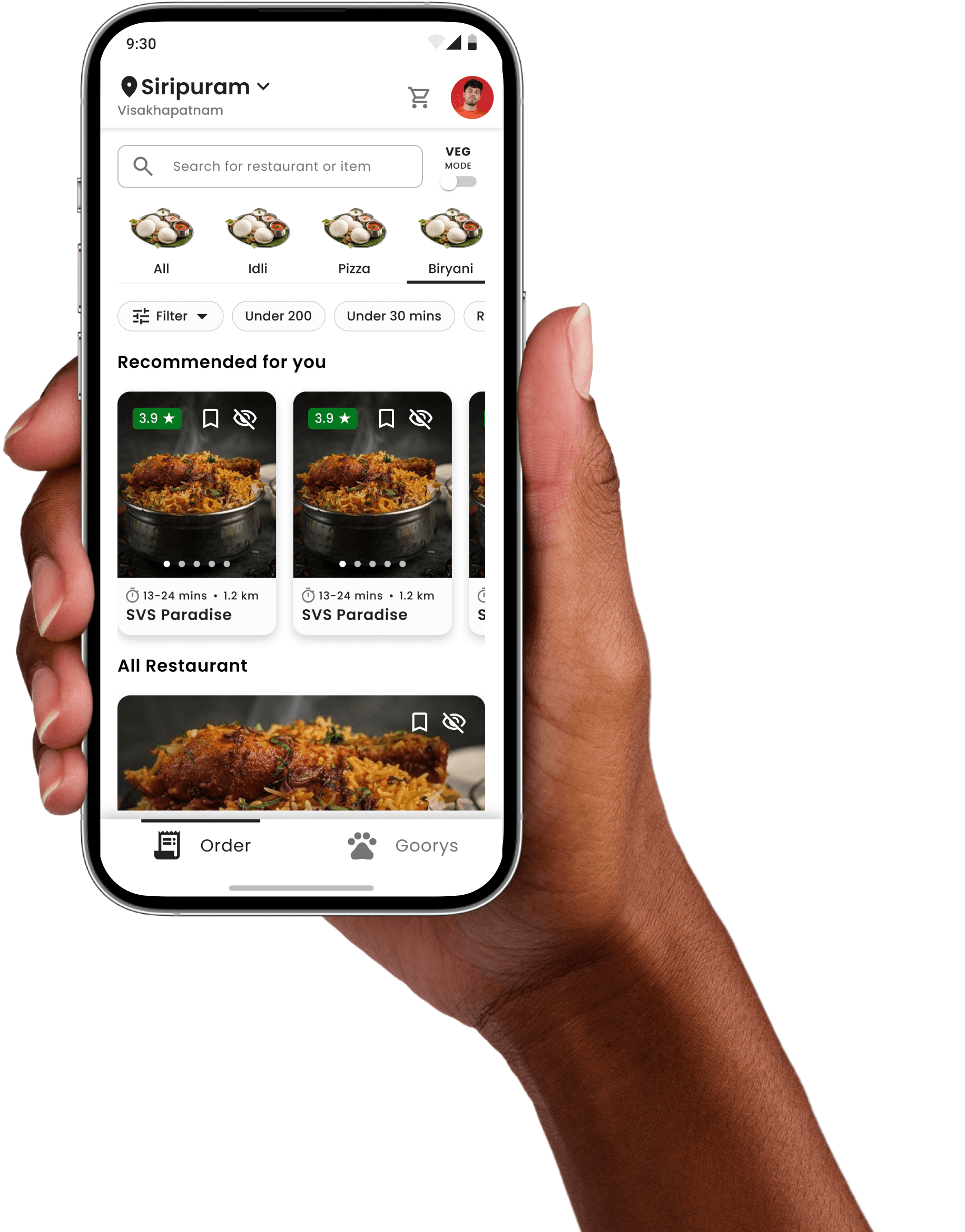
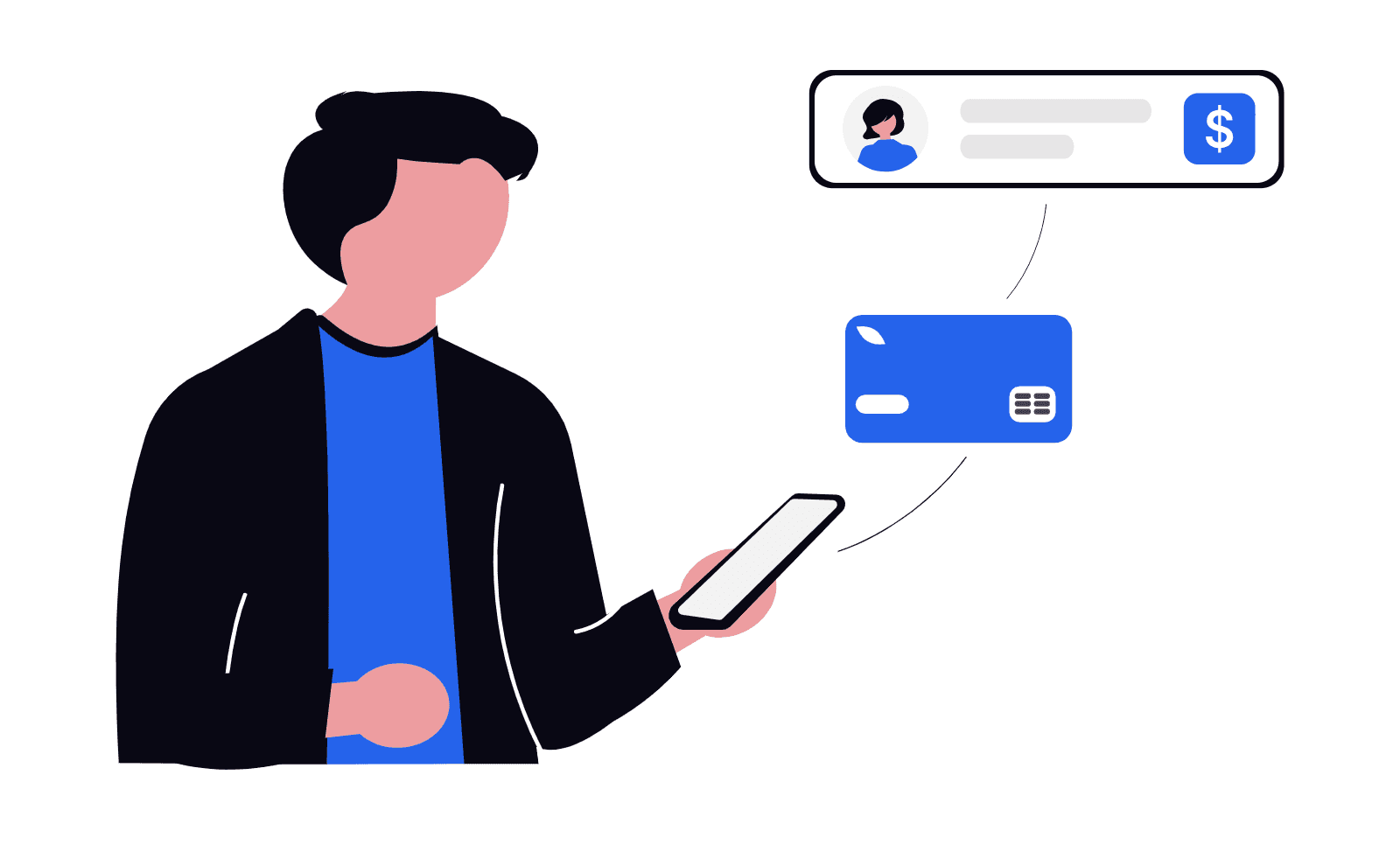
A checkout flow customers actually finish.
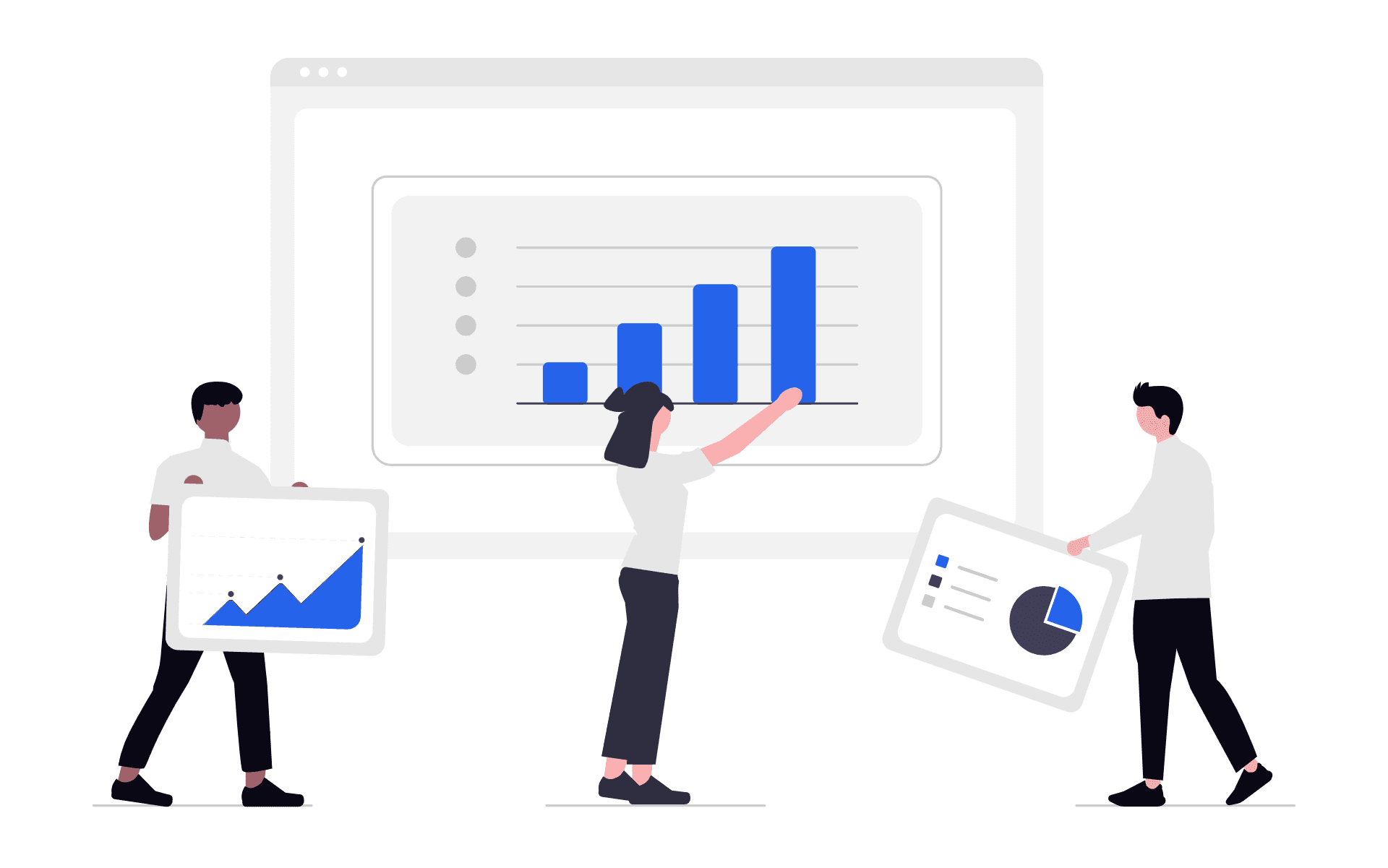
A restaurant dashboard that kitchen staff can actually use
Live order queue
Order queue sorted by urgency new orders, in-preparation, and ready-to-pick all visible at once
Order acceptance
Metrics
Real-time metrics (orders today, avg prep time, active delivery partners) visible without navigating away.
Menu and inventory
Menu and inventory management designed for desktop where restaurants configure, not where they operate.
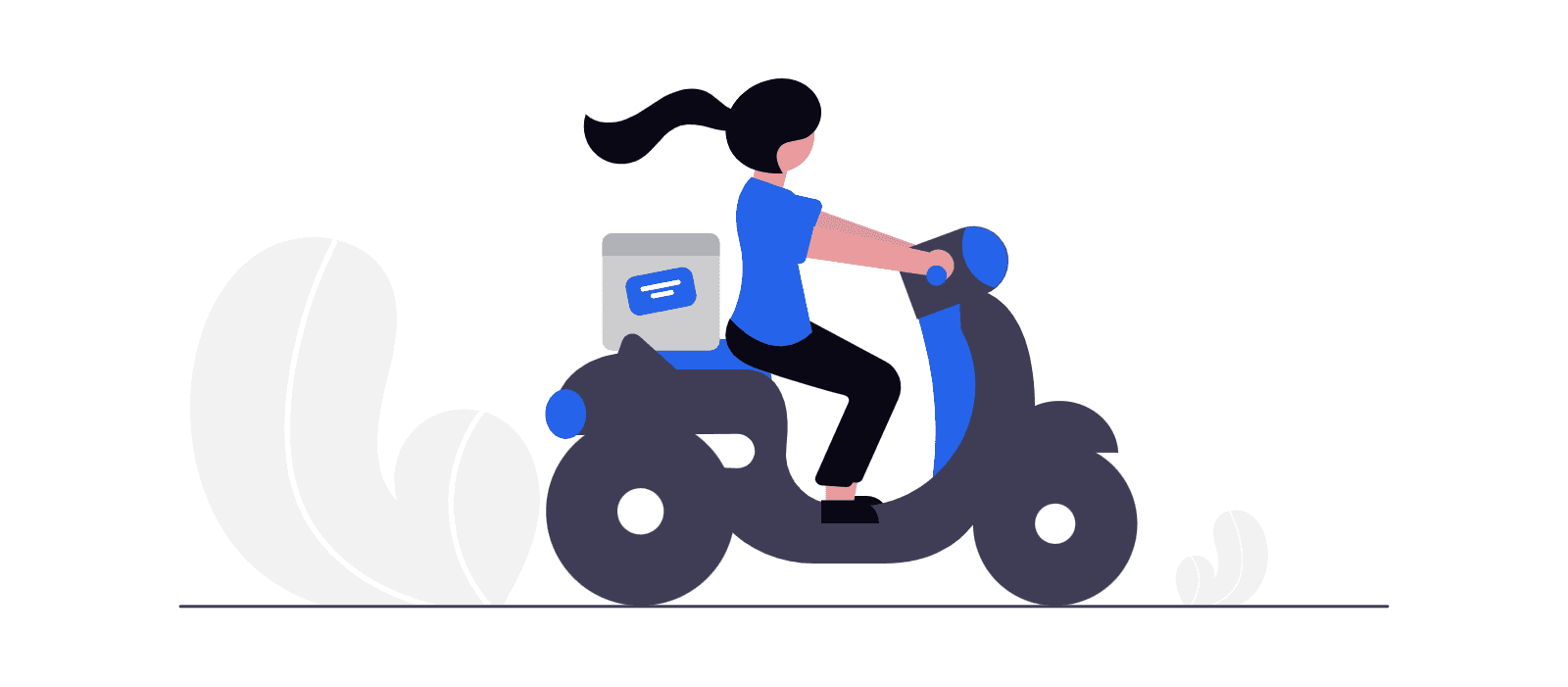
A delivery interface designed for one hand, on the road
Map-first layout
The route and current position are always the focal point of the screen
Single CTA
Single large CTA at each stage: Accept → Navigate to restaurant → Picked up → Navigate to customer → Delivered
Order info
Critical order info (address, payment type, special instructions) in one glance no searching required
Earnings
Earnings visible after each delivery direct motivation and transparency for partner satisfaction
An admin view that shows the whole platform at once
KPI dashboard
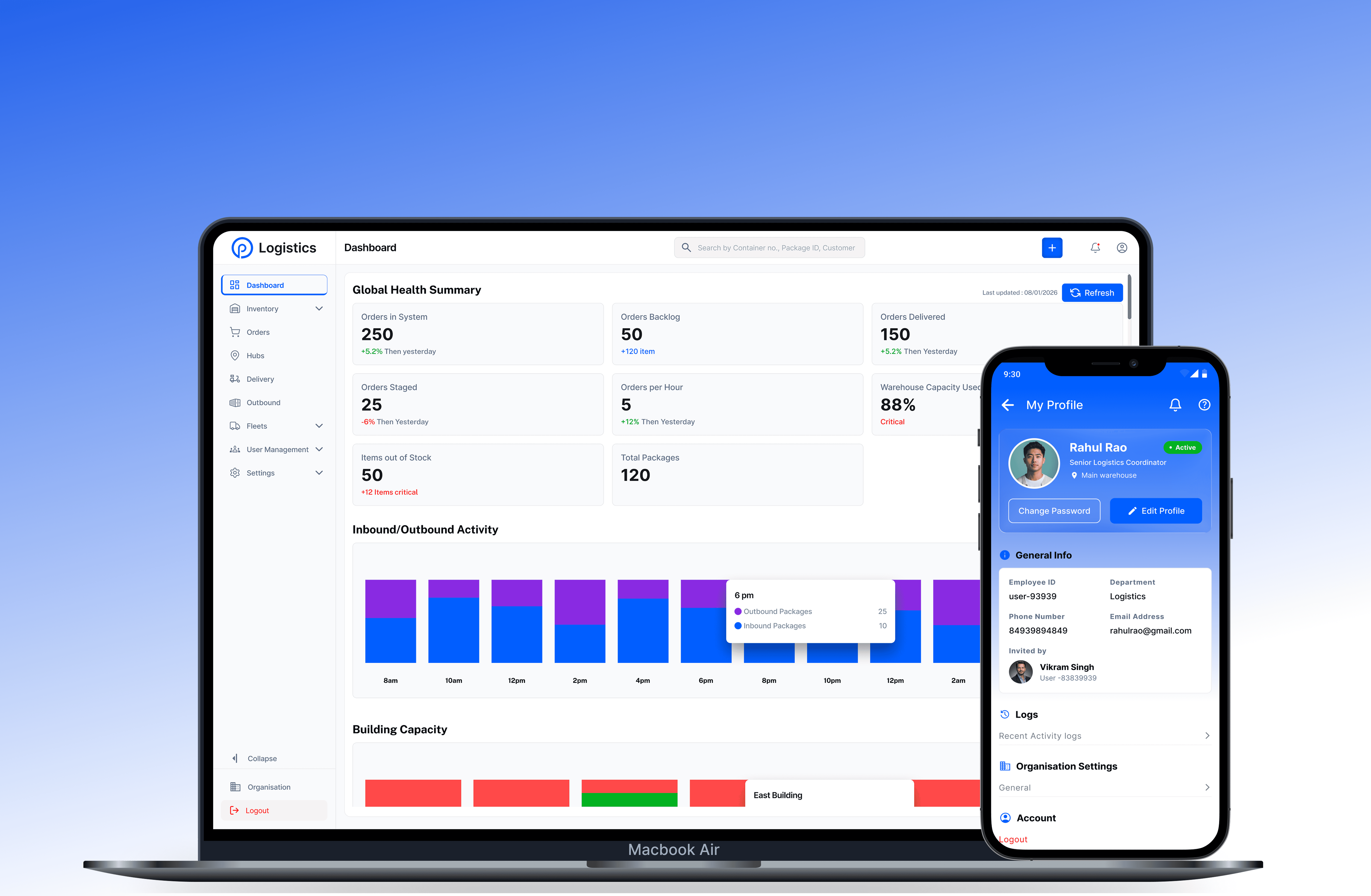
Live KPI dashboard: active orders, total revenue, delivery performance, and flagged issues all on one screen
Onboardings Approvals
Restaurant and Delivery Partner management with search, filter, and admin approves who to provide a there services.
Order records
Issue escalation directly from order records, admins see the full order history before acting
Role inheritance
Role-based access within admin, senior admins see everything, support staff see only what they need to resolve
And many more…………
Results & Impact
Five platforms. One product that holds together.
Every number here reflects actual project delivery — what was designed, what was prototyped, and what the design enabled for the engineering team and end users.
1 Order lifecycle end-to-end Browse → select → pay → confirm → prepare → pickup → deliver → complete. Every stage designed across all platforms with real-time status shared between users.
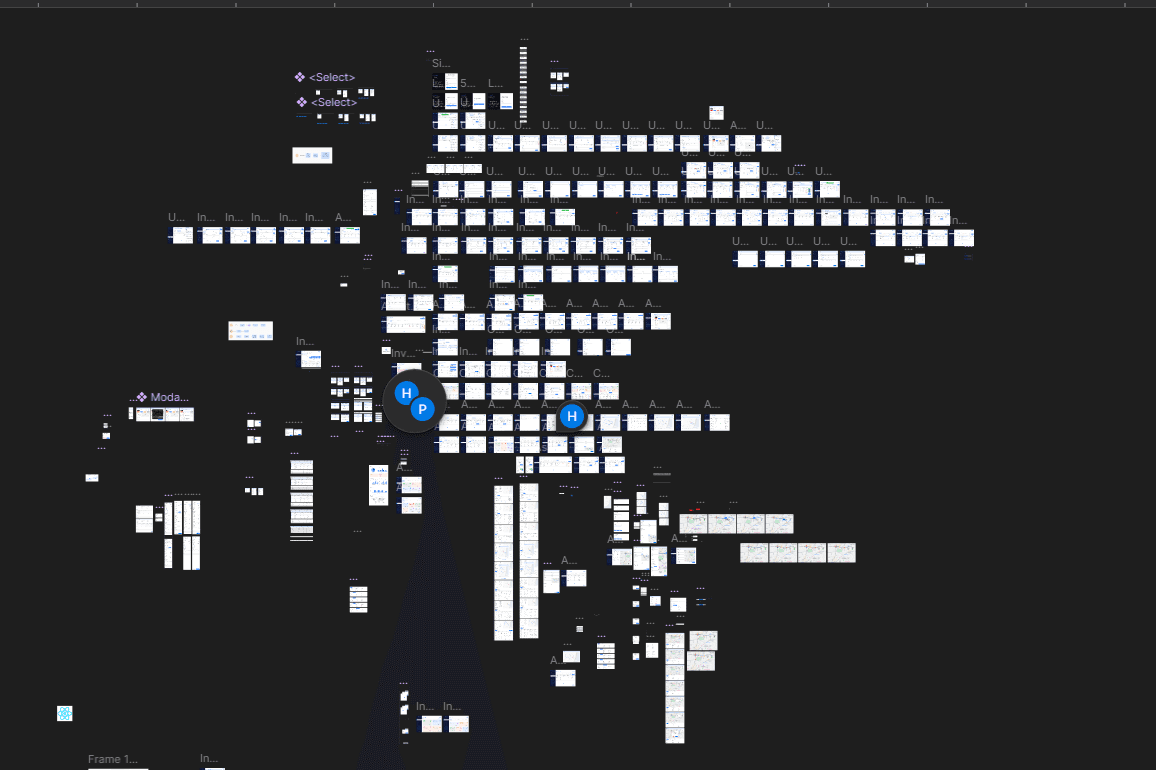
500+ Interfaces designed Across 5 platforms — customer app, restaurant dashboard, delivery partner app, feeder interface, and admin console — all on one design system
5 User types served Customer, restaurant, delivery partner, feeder, and admin each with a distinct interface, distinct workflow, and distinct decision logic. Same product underneath.
On-Time Delivery Full design system, 500+ wireframes, interactive prototypes, and marketing site - all delivered on schedule. most of the time.